Prevent overselling
An in-store sale updates online availability automatically, reducing cancelled orders and awkward customer calls.
Sell online and in your shop from one stock count.
Connect Shopify, WooCommerce or Jumia and your counter sales and online orders update the same stock, so you stop overselling.
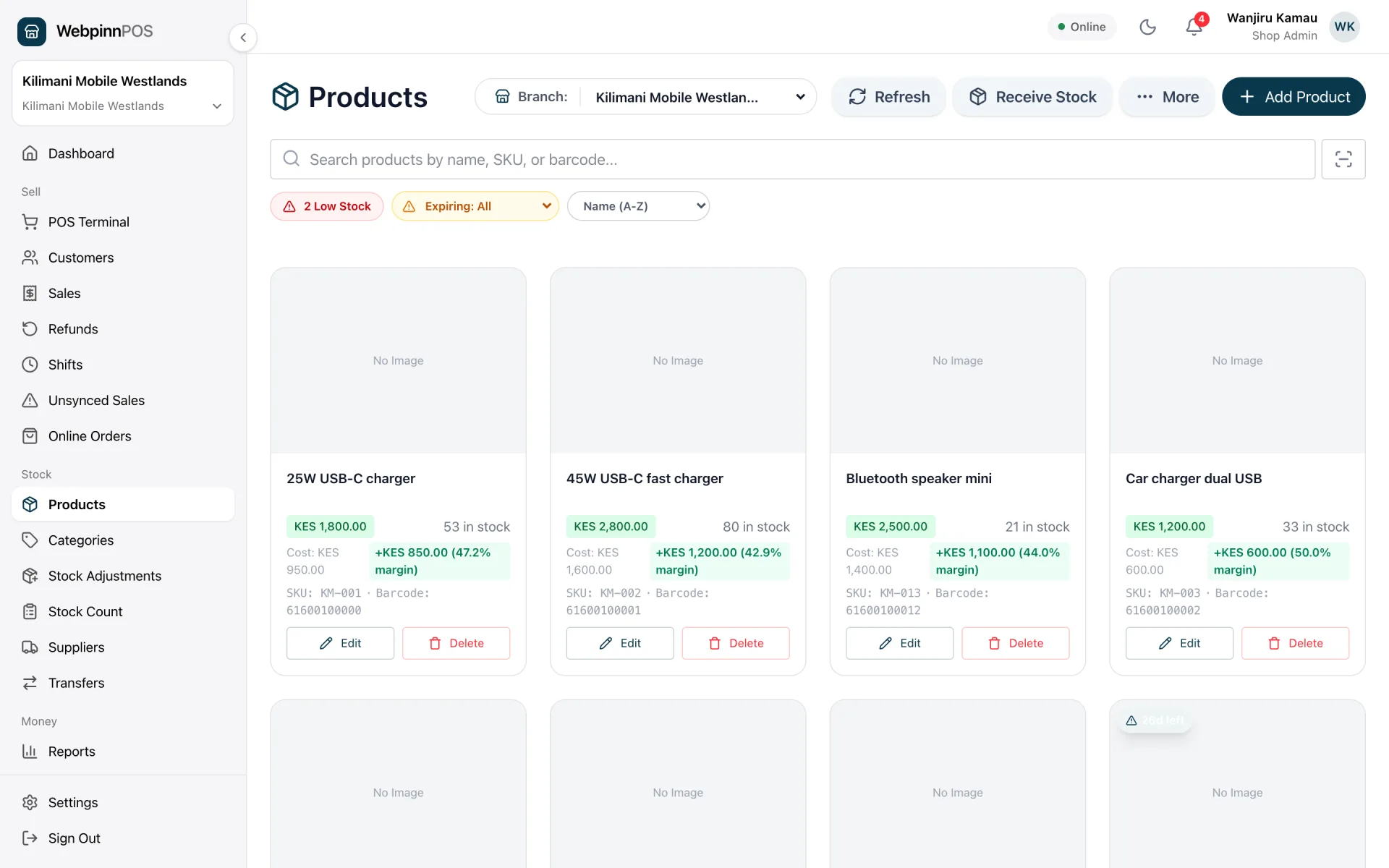
Screenshots of the real app, filled with sample data.
WebpinnPOS connects the sales channels your customers already use.
An in-store sale updates online availability automatically, reducing cancelled orders and awkward customer calls.
Review customer, payment and item details from the POS and push fulfilment status back to your store.
Import products, variants, SKUs, barcodes, prices and images from your ecommerce platform.
Use STK Push at the counter while keeping your existing ecommerce checkout payment setup.
Connect a branch to your online channel and track inventory, transfers and sales across physical locations.
Work with a local team that understands M-Pesa, Kenyan retail operations and ecommerce fulfilment.
Move from disconnected stock counts to a single operational workflow.
Authorise Shopify or add WooCommerce REST API credentials.
Bring products and variants into your POS with their identifiers.
Process counter sales while customers continue ordering online.
WebpinnPOS updates inventory and collects online orders automatically.
If you sell the same products in a shop and on a website, one stock count saves you from selling what you no longer have.
You run a counter and a Shopify or WooCommerce store, or a Jumia shop, and today you update stock in both by hand.
You started online and now take walk-in customers, collections or pop-up sales that need a proper till.
You have more than one location and one online store, and need to see stock and sales across all of them.
What moves between WebpinnPOS and your online store, and what stays separate.
| What | How it moves | Notes |
|---|---|---|
| Products, variants, SKUs, barcodes, images | Imported from your store | Count your stock first so the starting quantities are right |
| Stock levels | Two-way | Till sales update your store, and online orders come off the till's count |
| Online orders | Collected in Online Orders | Customer, payment and line-item details, with CSV export |
| Fulfilment status | Sent back to your store | Update it from the POS |
| Prices | Imported, then managed in WebpinnPOS | Counter prices can differ from online prices |
| Payments | Not synced | Online checkout uses your gateway, and the counter uses M-Pesa STK Push |
See exactly what WebpinnPOS supports before you connect.
Connect through Shopify's Admin API with no separate inventory-sync application required.
Explore Shopify POS integrationConnect your WordPress store using WooCommerce REST API keys and sync product variations.
Explore WooCommerce POS integrationThe full guide: sync methods, SKU setup and a go-live checklist.
Read moreConnect your Shopify store to a counter in Kenya.
Read moreConnect your WordPress store using REST API keys.
Read moreA breakdown of what moves and when.
Read moreShopify, WooCommerce and Jumia orders in one place.
Read moreWhat works for online checkout in Kenya.
Read moreWhich fits your Kenyan shop.
Read morePlans from KES 1,500 a month, with sync included.
Read moreShow us your Shopify or WooCommerce store, or your Jumia shop, and we will walk you through the best setup.