STK Push at the point of sale
POS System with M-Pesa Nairobi Kenya should make this part of the operation easier to complete, check and improve.
A POS System with M-Pesa Nairobi Kenya businesses use should connect payment confirmation to the sale instead of leaving staff to reconcile messages manually.
Built for the Nairobi operating context
A POS System with M-Pesa Nairobi Kenya can use should let a cashier enter the customer number, trigger an STK Push and keep the payment associated with the sale. WebpinnPOS documents STK Push, C2B callbacks and automatic payment reconciliation alongside sales, receipts, inventory, staff accounts and reports.
POS System with M-Pesa Nairobi Kenya should give the cashier a clear checkout flow and give the owner reliable information after the sale. That means the product, payment, receipt, staff member and resulting stock movement should remain connected.
Useful in daily operations
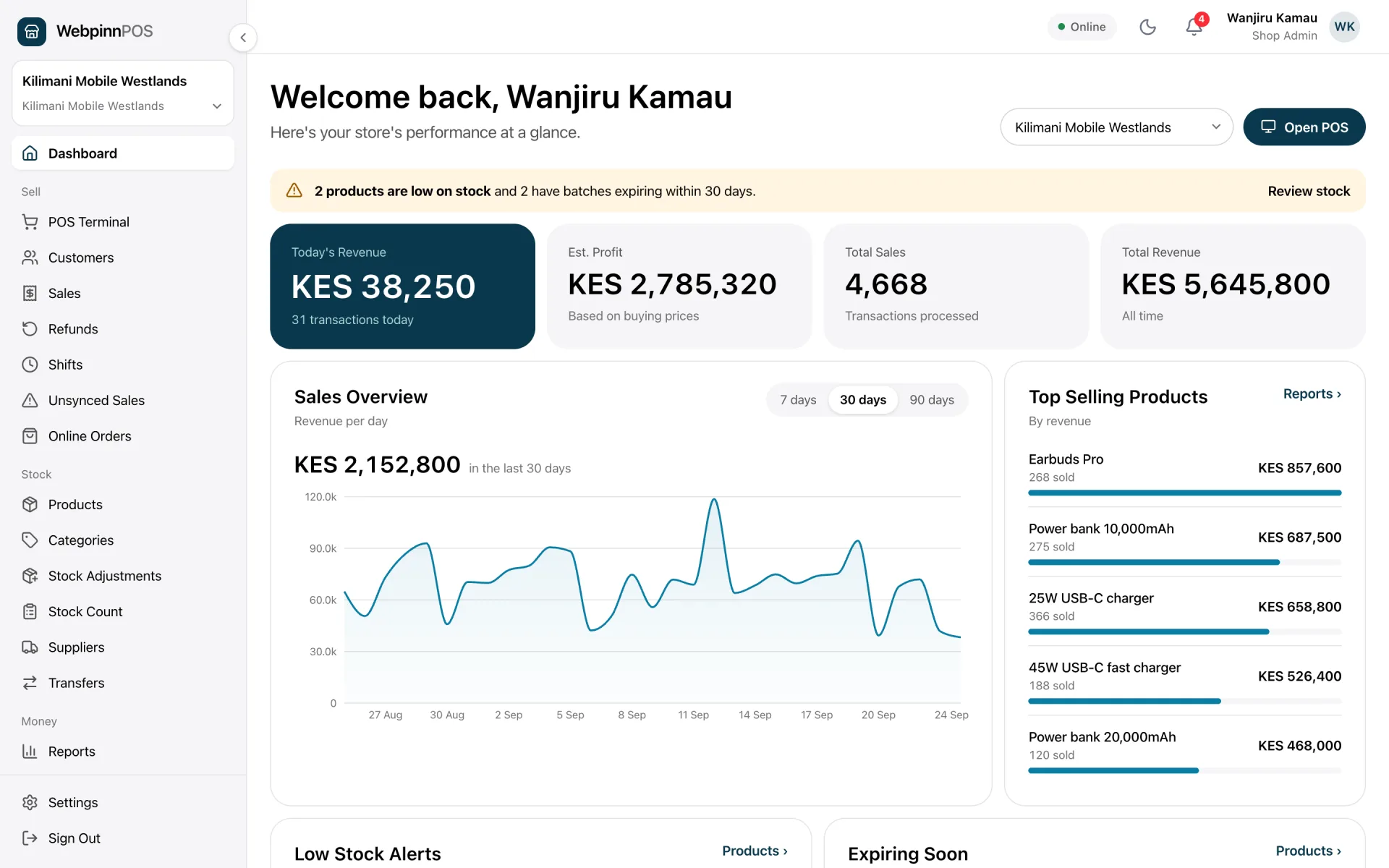
A complete setup connects the counter to inventory, payments, staff controls and management reporting.
POS System with M-Pesa Nairobi Kenya should make this part of the operation easier to complete, check and improve.
POS System with M-Pesa Nairobi Kenya should make this part of the operation easier to complete, check and improve.
POS System with M-Pesa Nairobi Kenya should make this part of the operation easier to complete, check and improve.
POS System with M-Pesa Nairobi Kenya should make this part of the operation easier to complete, check and improve.
Core platform capabilities
These are documented WebpinnPOS capabilities. The final configuration depends on the workflow, products and staff structure of the business.
Create sales quickly, choose products or scan barcodes, take payment and issue a receipt from one checkout flow.
Track products, variants, stock movements, low-stock alerts and supplier records as the business operates.
Trigger M-Pesa STK Push, receive C2B callbacks and keep confirmed payments connected to the relevant sale.
Give admins, managers and cashiers role-based access, then review shifts and sales activity by staff member.
Keep customer details and purchase history available for service, follow-up and repeat-business workflows.
Review sales, stock and payment reports, with multi-branch management available for growing businesses.
A practical operating loop
The workflow should remain clear for cashiers, managers and owners.
Load products, variants, prices and suppliers, then assign the staff access needed for POS System with M-Pesa Nairobi Kenya.
Select or scan items, accept cash or M-Pesa, update stock and give the customer a receipt.
Use sales, stock, payment and staff reports to identify shortages, unusual activity and products that need attention.
Implementation checklist
Define these details before staff training and launch.
Before implementation
Confirm the workflow, roles, data and support expectations before launch.
POS System with M-Pesa Nairobi Kenya buyers should test the complete payment path, callback handling, failed payments, receipt status and reconciliation report.
WebpinnPOS supports M-Pesa STK Push, C2B callbacks and automatic payment reconciliation. The cashier starts the request at checkout, and the confirmed payment remains connected to the sale.
Yes. The documented platform includes product variants, stock alerts, supplier tracking and barcode-led product selection. The exact setup should match the products and stock rules used by the business.
WebpinnPOS provides role-based staff accounts, shift management and multi-branch management. Permissions and branch access should be configured around the responsibilities of cashiers, managers and owners.
A useful setup should make sales, stock, payment methods and staff activity easy to review. Branch businesses should also confirm that reports can be compared across locations.
Test the complete workflow
Try the platform and compare it with the way your team sells, manages stock, takes payments and reviews reports.